
Guide
Lovable in your company: from prototype to secure business app
How to test Lovable in your company with clear rules, and what it takes to turn a prototype into a business app with login, roles and ERP integration.
· Julian Sommavilla · 8 min read
With Lovable, employees can build small applications themselves. You describe in plain language what the app should do, and shortly afterwards there is a working interface to click through. A prototype like that often shows what a department needs more clearly than any requirements document.
Two questions follow. How do you test a tool like this without putting data or access at risk? And how does the prototype become an application the business can rely on? Why prototypes shorten projects in the first place is covered in our article on prototyping with AI.
What Lovable is, and what a prototype can do
Lovable generates a web application from a description: the interface, the code and, if needed, a backend with a database, file storage and user login. That backend is called Lovable Cloud and is built on Supabase, an open-source platform around a Postgres database. You can also connect your own Supabase project instead.
This lets a department show what it wants by itself, for example with a form for shift handovers. An idea is often clickable within a few hours, and the team can review the same form.
A prototype shows whether the workflow fits the task. It usually runs on test data, is connected to no other system, and nobody is responsible when something breaks. Before daily use, settle access, data and responsibility.
Testing Lovable safely: the checklist
Before the first department gets started, agree on a few ground rules:
- Test data only. No real customer, employee or health data, no price lists, no contracts. Made-up sample values are enough to check an idea.
- Company workspace over private accounts. Prototypes are built in the company's workspace, and each project has a named owner. A project in an employee's personal account can easily slip out of the company's control.
- Settle the question of model training. On the Free and Pro plans, Lovable may use project content to train its AI models. Each person can exclude their own contributions from future training in their account settings. On Business and Enterprise, workspace data is excluded by default. According to Lovable's documentation, data that users enter into the published app is not used for training.
- Control publishing. A published Lovable app is, by default, open to anyone with the link. Decide who may publish. On every plan, access can be limited to invited people, up to ten per project on Free and Pro. Sharing with the whole workspace or with groups requires Business or above.
- No credentials in the prototype. Passwords and keys for the ERP or the mail server belong neither in the chat nor in the code.
- Keep an eye on costs. Lovable bills in credits. On paid plans, admins can set a monthly limit for the workspace and for individual members.
- Define the goal and success criterion up front. For example: "In two weeks we will know whether this form makes the shift handover faster."
- A meeting at the end. Every test ends with a decision on what happens next, so no app keeps running unnoticed.
The general rules for AI tools in a company are in our article on using AI securely.
What lies between a prototype and a business app
| Topic | Prototype (typical starting point) | Business app |
|---|---|---|
| Login | Often test accounts or an open link | The company's Microsoft or Google account (single sign-on) |
| Roles and permissions | Often everyone sees everything | Roles per task: enter, approve, read |
| Data | Test data or a copied Excel sheet | Connected to ERP, inventory system and file server |
| Hosting and data location | Wherever the tool puts it | Hosted in the EU, data location documented |
| Backups | Depends on the tool, rarely tested | Regular backups, restore tested |
| Audit trail | Usually none | Who changed what, and when |
| Updates and maintenance | Nobody responsible | Covered by a contract |
| Testing | A few clicks | Tests with real workflows and key users |
| Responsibility and support | Whoever built it | Named owners in the company and at the provider |
| Code ownership | In the account where it was built | In the company's repository, rights set out in the contract |
Two of our use cases show what this looks like in practice. In the digital field forms for a cleaning station, the wash bay operator picks their name from a list on a shared tablet, without a password, because that is what works at the wash bay. The ERP credentials stay on the server. That project later became our product AlpinoTank. In the AI platform for a manufacturer, a separate database sits next to the ERP so the AI never touches production data directly. You won't see decisions like these in a prototype. In daily operation, they are what holds the application together.
Where this fits in your organisation
To keep prototypes from turning into shadow IT, a simple, fixed process is enough:
- The department builds the prototype in the company workspace, following the checklist above.
- A joint meeting: the department, IT (internal or external) and management check whether the prototype solves the problem it was meant to test.
- One of three decisions:
- Drop it. The idea doesn't hold up, or off-the-shelf software already exists. After a few hours of effort, that is a good outcome too.
- Keep it as an internal tool, with rules. This works when few people use it and no personal or critical data is involved. The rules: company workspace, restricted access, one named owner. Review it again whenever the data, access or use changes.
- Develop it into a business app as soon as real data, several roles or an ERP connection are needed.
- Write down who is responsible. The department owns the content, IT or the provider owns the technical side. Half a page is enough.
The same logic applies to an n8n workflow that pulls invoices from a mailbox, or a Claude project the sales team uses to draft quotes. More in our articles on Claude training and AI agents for business processes.
How the transition works
If the decision is to build a business app, we work in five steps.
1. Take over the code. When you connect GitHub, Lovable creates a private repository and syncs it in both directions. If the repository sits in your company's GitHub organisation, you manage access yourself. Often the interface holds up, while data access and permissions are rebuilt.
2. Settle where the data lives. With Lovable Cloud, the storage region is fixed once the backend is enabled. Business and Enterprise workspaces can set a region for new projects, while existing projects keep theirs. Where AI requests are processed is governed separately by Lovable. For the business app, we settle data location, operations and maintenance with you. Often the database and code move to an environment the company controls, such as your own Supabase project in an EU region. The database is exported together with the user accounts. Files and code move separately, and sign-in providers and secrets are set up again at the destination. Allow time to migrate and test the app.
3. Check security. When you publish, Lovable runs a Quick Scan, and you can start a Deep Scan on top. We focus on three questions. Are the database access rules (row-level security) set so that each person sees only the data they should? Are there keys in the code that runs in the browser, where anyone can read them? Are login and permissions checked on the server?
4. Build the integrations. ERP, inventory system, file server and Microsoft 365 are connected through their interfaces, and credentials stay on the server.
5. Take over operations. Company login, roles, backups, audit trail and updates. If you wish, we run the application in our cloud in an EU data centre, or on your premises if agreed. Who owns the code and who maintains it is set out in our proposal. More on the Software & Web Apps page.
Bring us your prototype
If a Lovable prototype has been built in your company, show it to us. In a free initial consultation we look at what data it needs and which of the three decisions fits. A link or a few screenshots are enough. Book an initial consultation.
Frequently asked questions
Can I use customer data in Lovable?
Use fictitious data for the first test. Before any personal data goes in, check the legal basis, the provider's role and any transfers to countries outside the EU. If the provider acts as a processor, sign a data processing agreement with them. More in our article on AI and data privacy in the EU.
Do I own the code?
Rights to your content and the generated code depend on Lovable's terms of service and on third-party rights. In practice, what matters is that the project sits in the company's workspace and the repository in its GitHub organisation. For a business app we build, code rights are set out in our proposal.
Is Lovable's security scan enough?
It is a good first check. For applications that handle sensitive data, Lovable itself recommends an additional review. We review access, permissions and data flows. For penetration testing, we recommend specialised providers.
Keep reading
 Insight
Prototyping with AI: How We Deliver Results in Hours, Not Weeks
Learn how AI-powered prototyping replaces months of planning with working solutions you can test in hours.
· 5 min read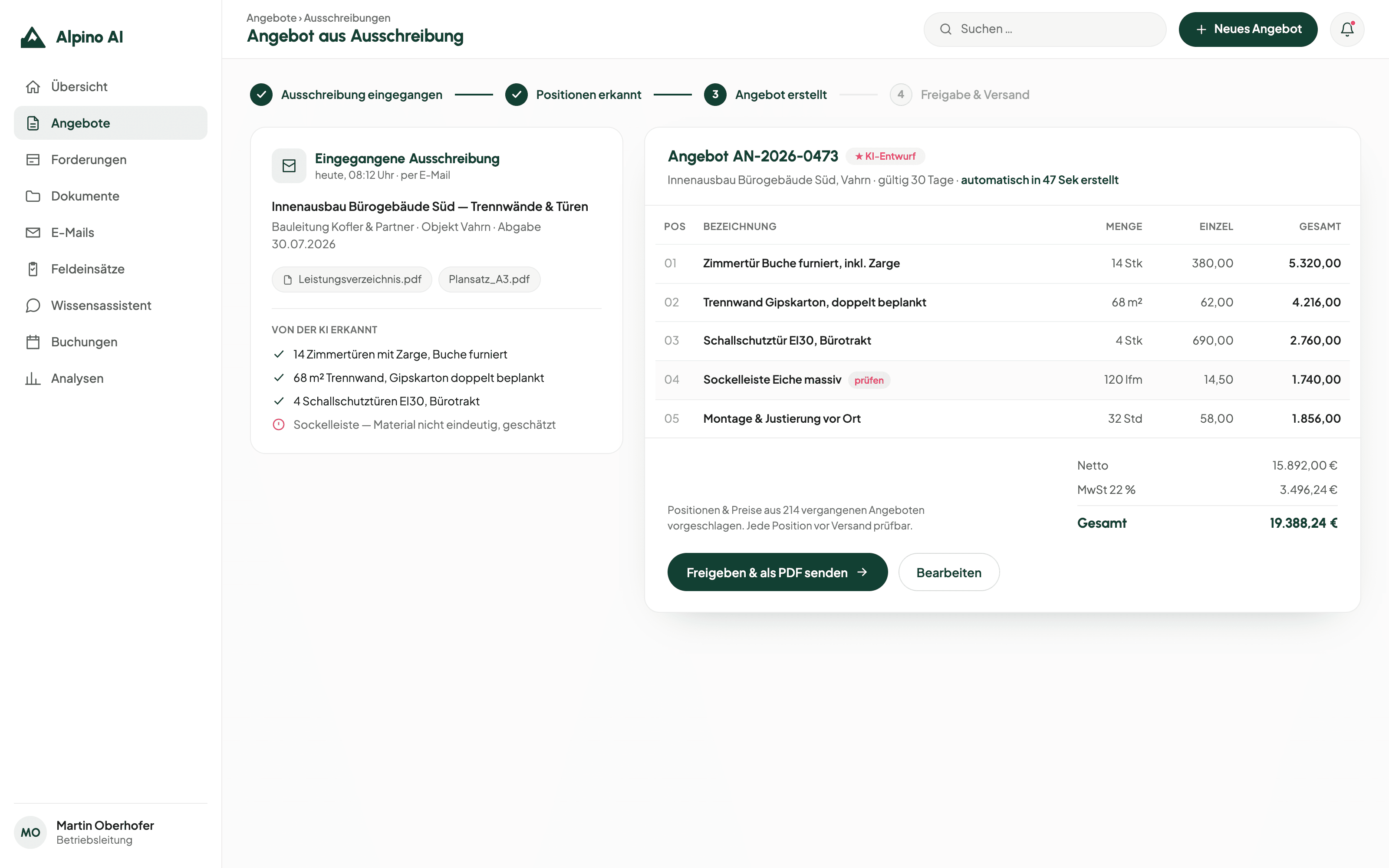 Guide
AI, App and Software Development in South Tyrol
Alpino AI builds AI automation, apps and software for crafts, retail and services in South Tyrol. A regional partner with a concrete benefit.
· 5 min read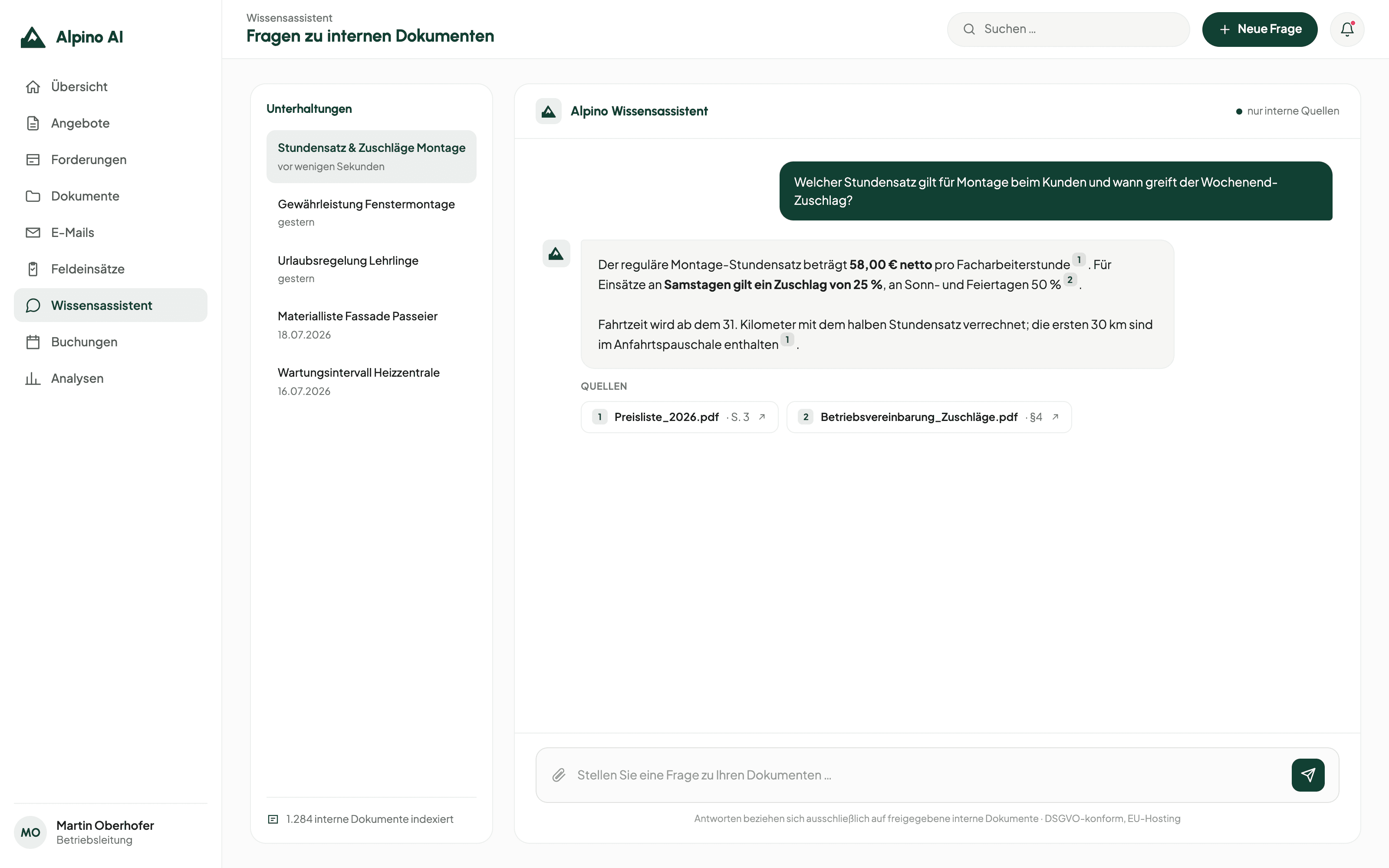 Insight
AI Agents: How Autonomous Systems Are Taking Over Business Processes
What sets AI agents apart from chatbots and how they automate business processes — with real examples and an honest assessment.
· 5 min read
Next step
Want to find out where AI actually makes sense for you?
We translate the article into concrete workflows: which task is worth automating, which data is needed and how small the first MVP can be.